Keep clients updated with a customer portal
Let your customers see job status, estimates, invoices, and real-time updates all in one branded space - so your team can focus on the work that matters.

Stop repeating yourself - enable your customers to self-serve their questions
Too many customers call your office with the same questions - “Is the tech on the way?”, “Can I get that invoice again?”, “What’s the job status?” - pulling your team away from higher-value work.
- “Is the technician on the way?”
- “Can you resend the invoice?”
- “Do you have photos from the last visit?”
- “What’s the status of this job?”
Without a centralized system, customers default to calling your office.
That creates:
- Manual updates
- Duplicate work
- Delays in approvals and payments
- Frustrated customers and staff
- Inbound calls increase
- Office teams burn out
- Invoices get paid later
- Customers feel left in the dark
One portal for customers to see everything
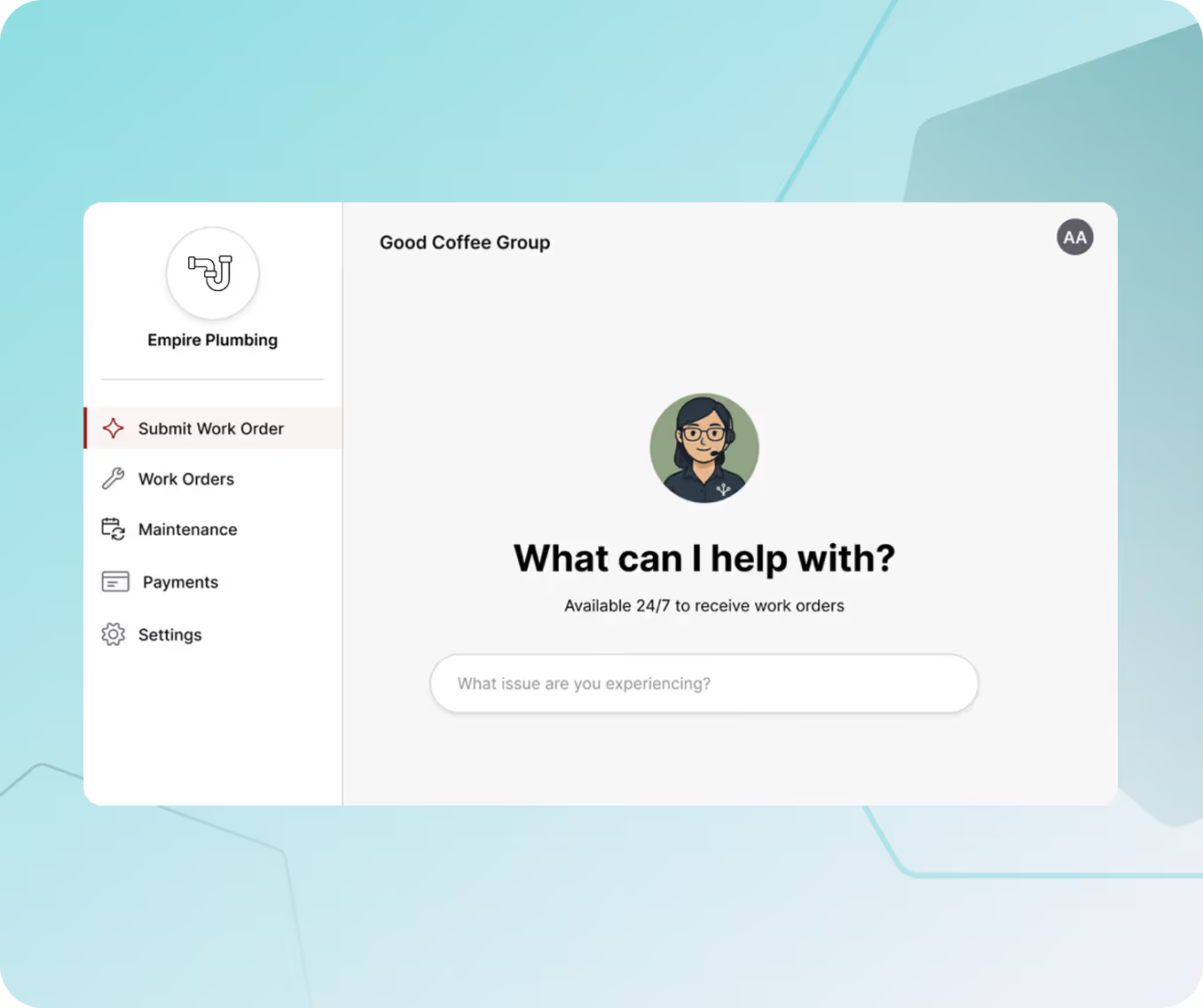
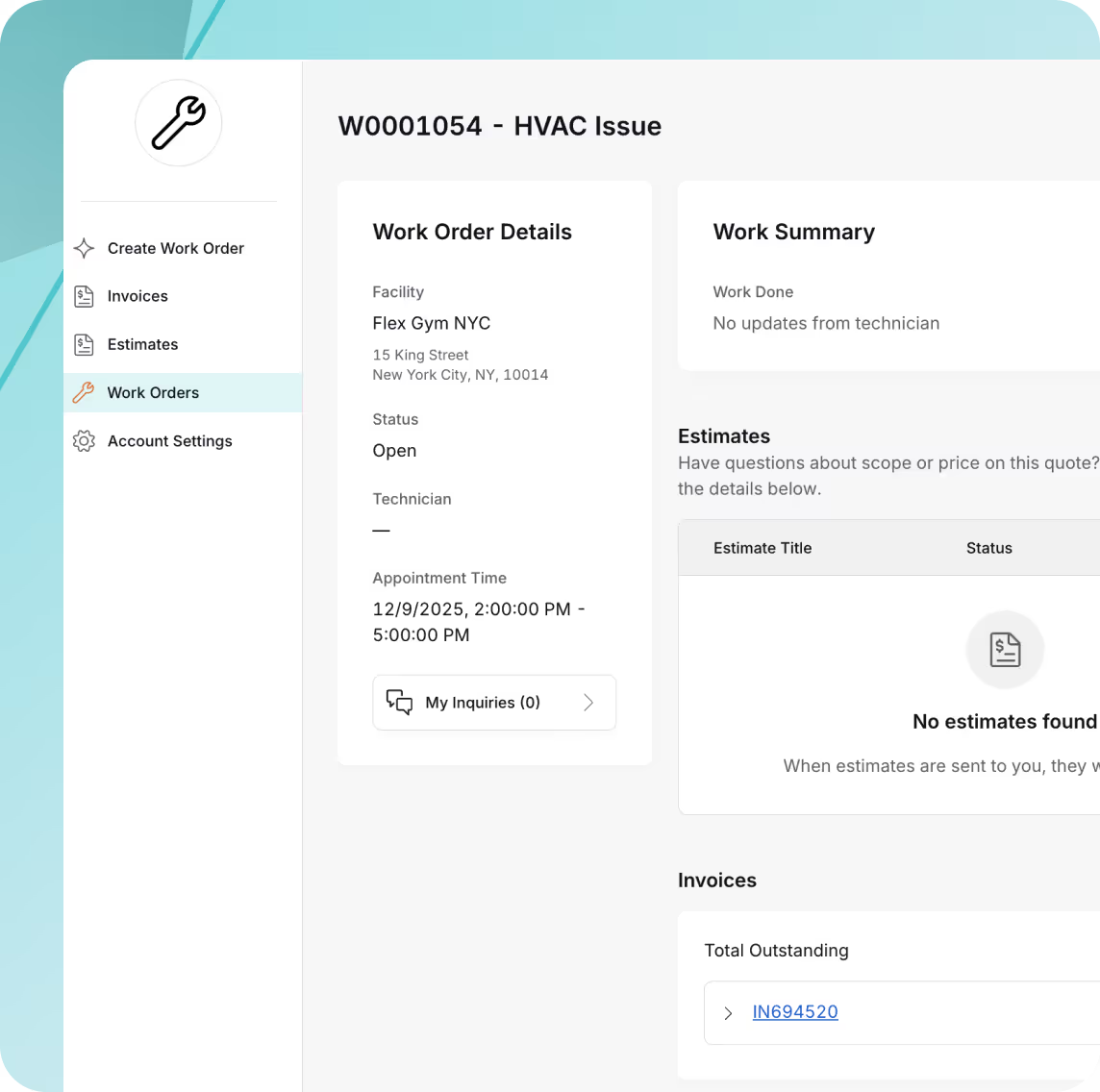
Track work order statuses

Enable customers to see work order updates as well as inquire about updates directly through their portal.
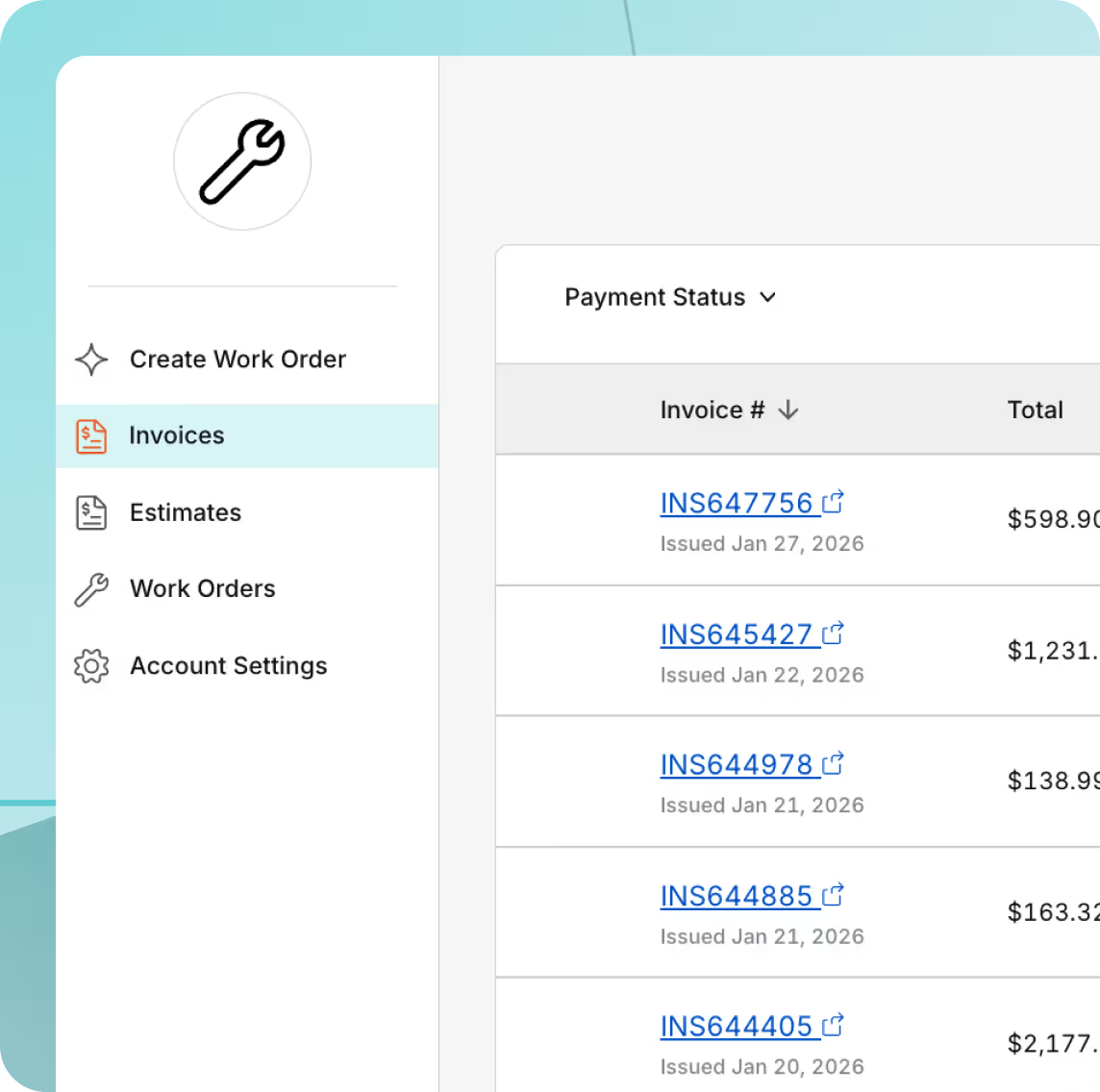
View estimates and invoices
Display both current and historical estimates and paid/unpaid invoices so customers have full financial visibility.
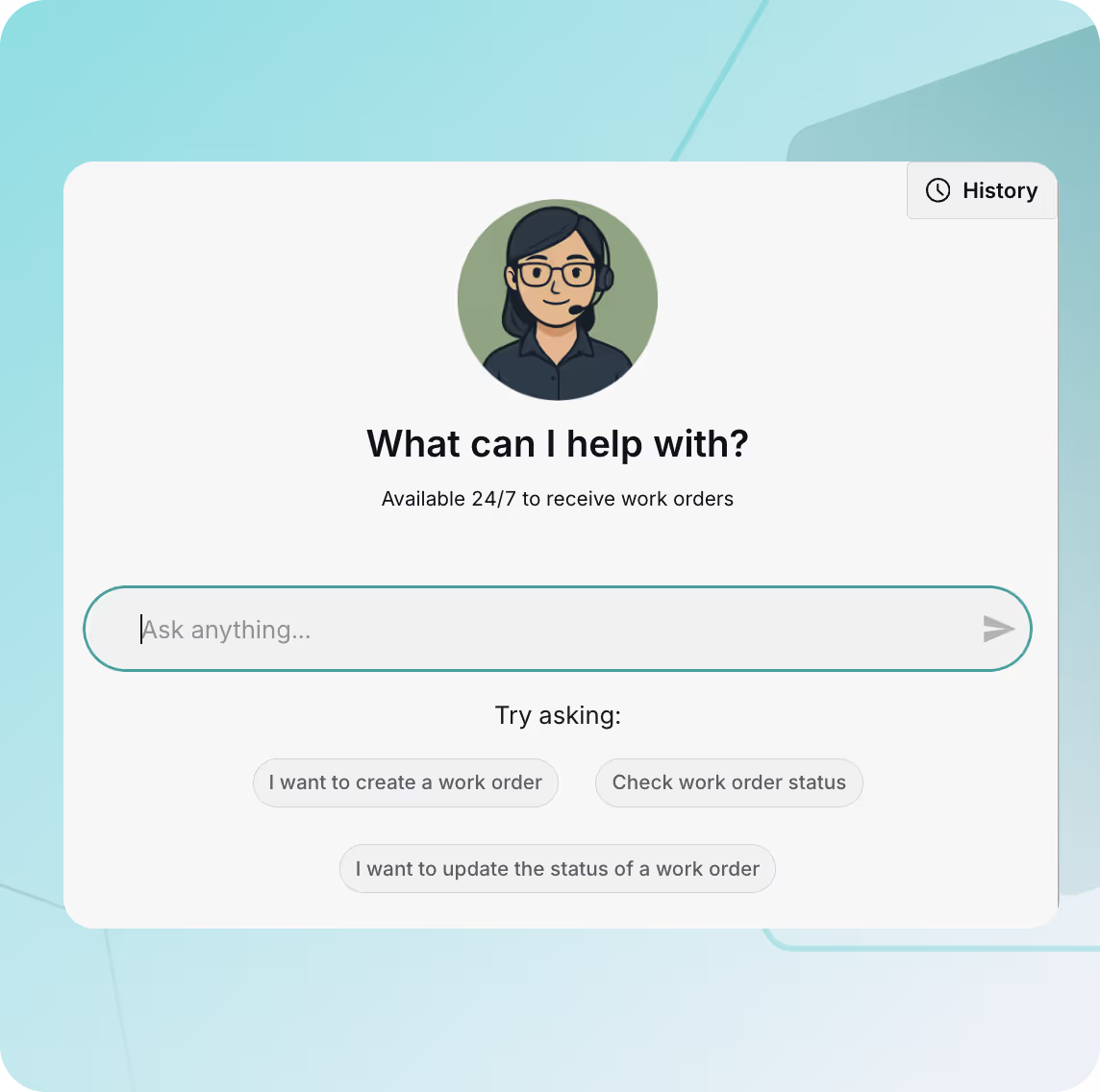
Ask Nora for help and receive new work orders, fast
Clients can ask Nora anything to get or make updates. They can also request new work or submit details directly through the portal - reducing back-and-forth and accelerating job intake.
Frequently asked questions
What is a customer portal?
A customer portal is a place for your clients to see all information and historical context on your business relationship. Customers can interact with your business 24/7 without the need for phone call back and forth.
How do I invite my customer?
Customers will get access to your portal via email whenever you send them an estimate, invoice, or message. They'll be able to access the portal directly from there.
Can customers submit new work through the portal?
Yes - clients can submit new requests or ask questions directly through their portal experience.
What information do customers see in the portal?
Customers can view work order updates, estimates, invoices, and messages all in one place.
What does Nora do?
Nora AI is built into your customer portal so your customers can ask her questions and she will search the relevant information to respond.
Built for the way trades work - across every specialty
ResQ powers operations for trades in HVAC, electrical, plumbing, fire protection, roofing, and dozens more. Whatever your trade, ResQ can help you grow profitably.
+ many more
Explore other parts of ResQ
See how ResQ helps you book more jobs
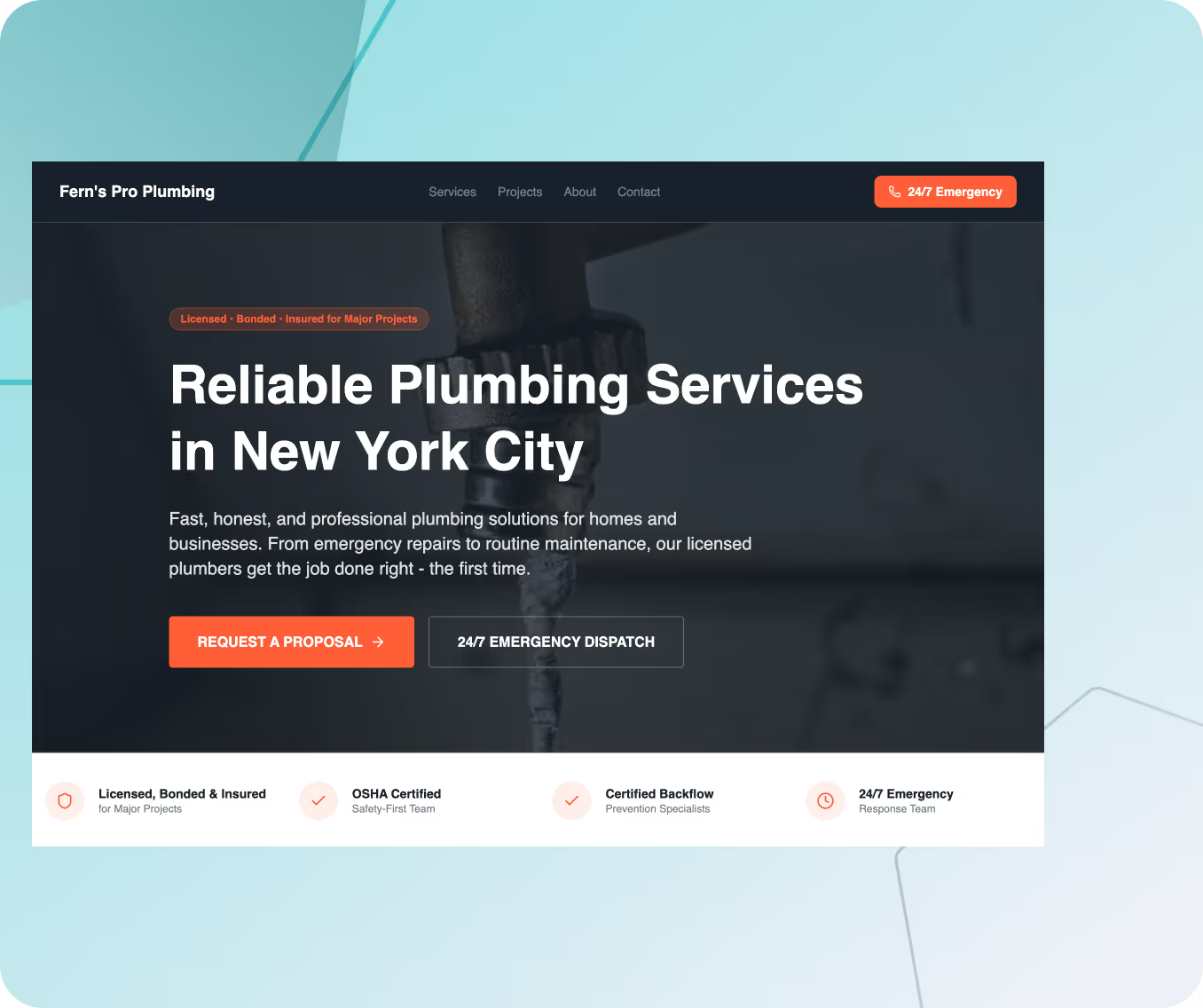
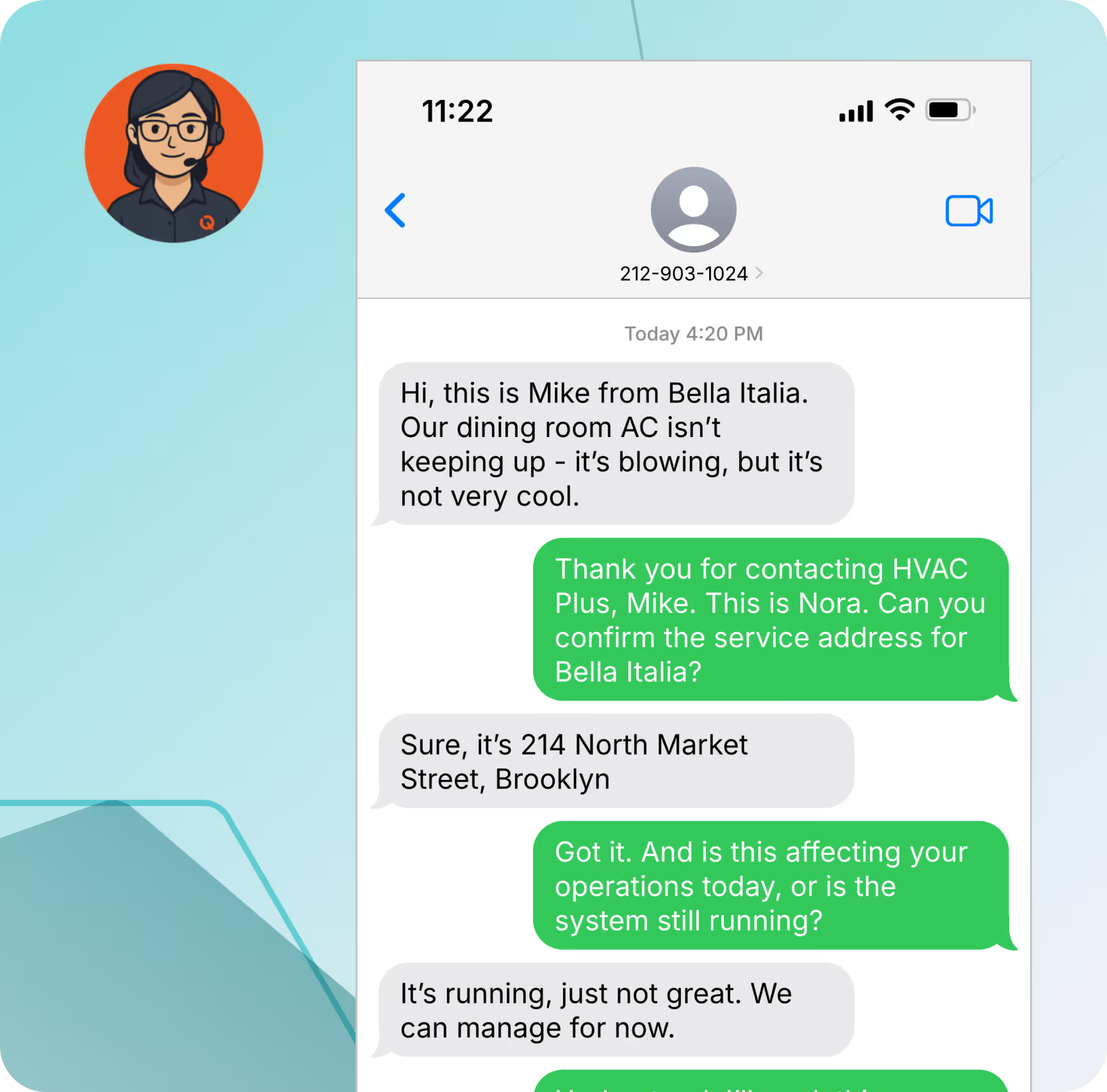
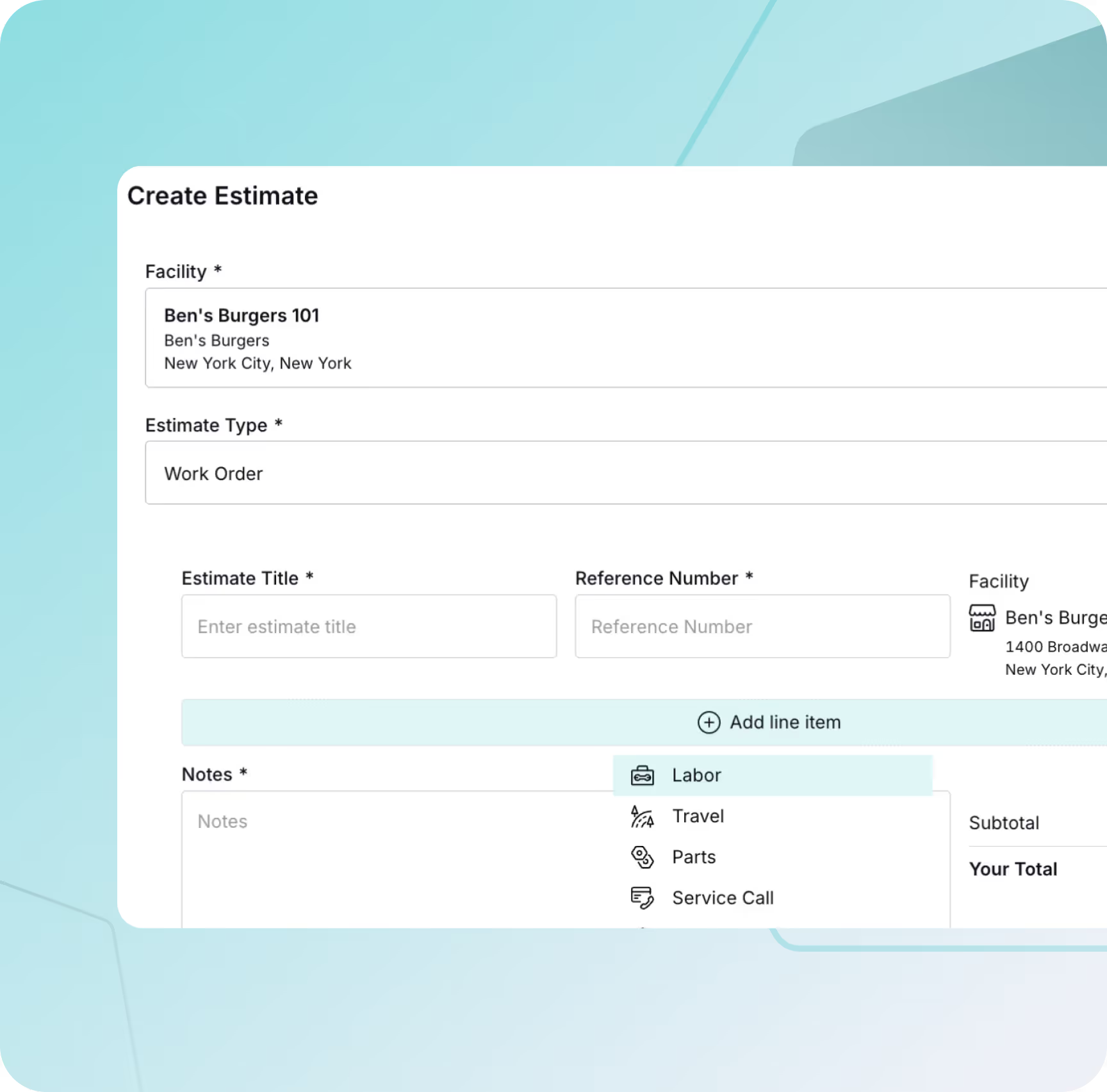
Get a walkthrough of your potential website and tools and see how Nora handles lead response and follow-up.