Simple estimate and invoicing software for trades
ResQ makes it easy to create professional estimates and invoices, send them instantly, and keep everything connected to the job - so nothing falls through the cracks.






When estimates and invoices get scattered, work slows down
If your estimates and invoices aren’t clearly tracked, work slows down and money gets harder to follow.
One system for estimates, invoices, and jobs
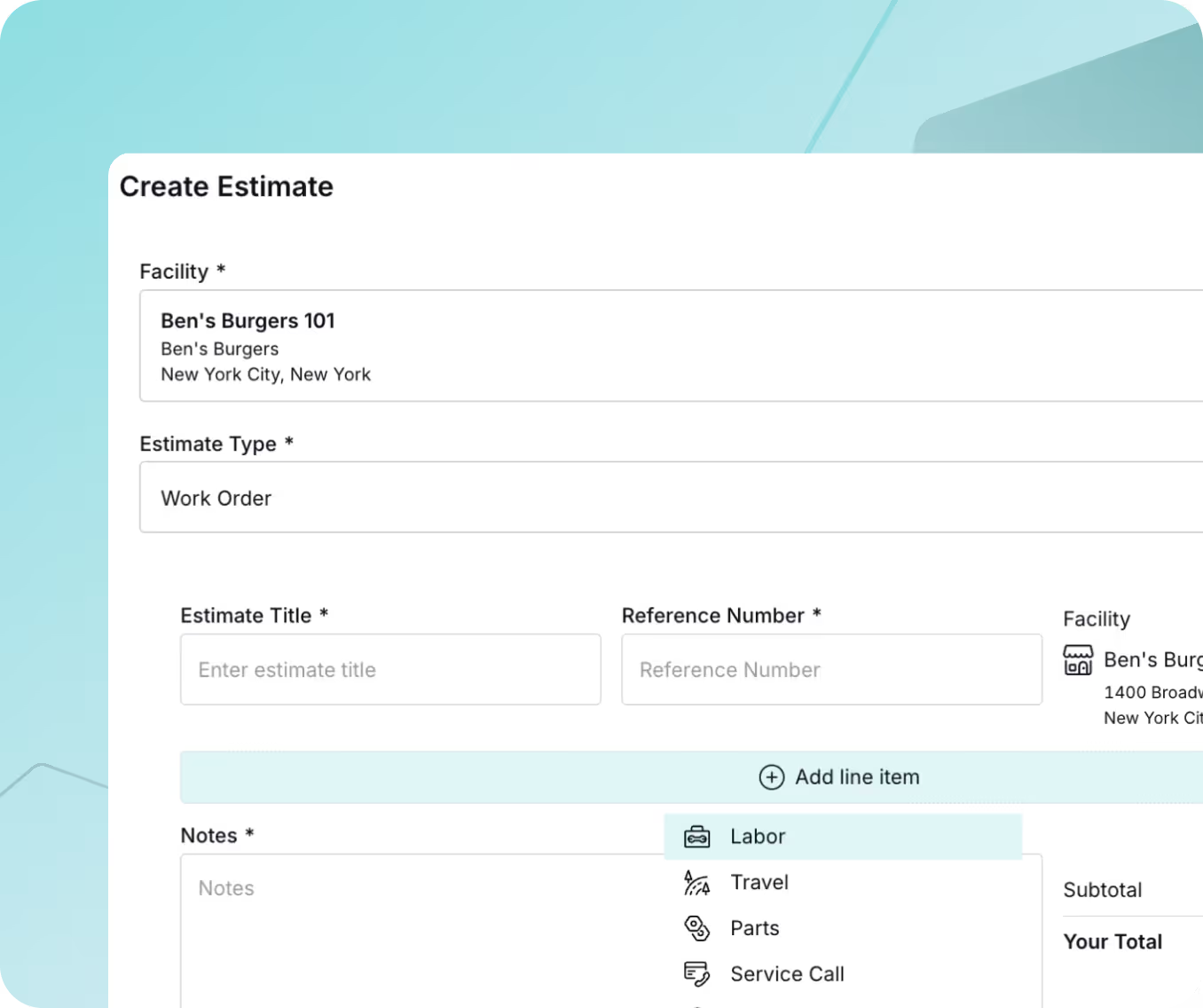
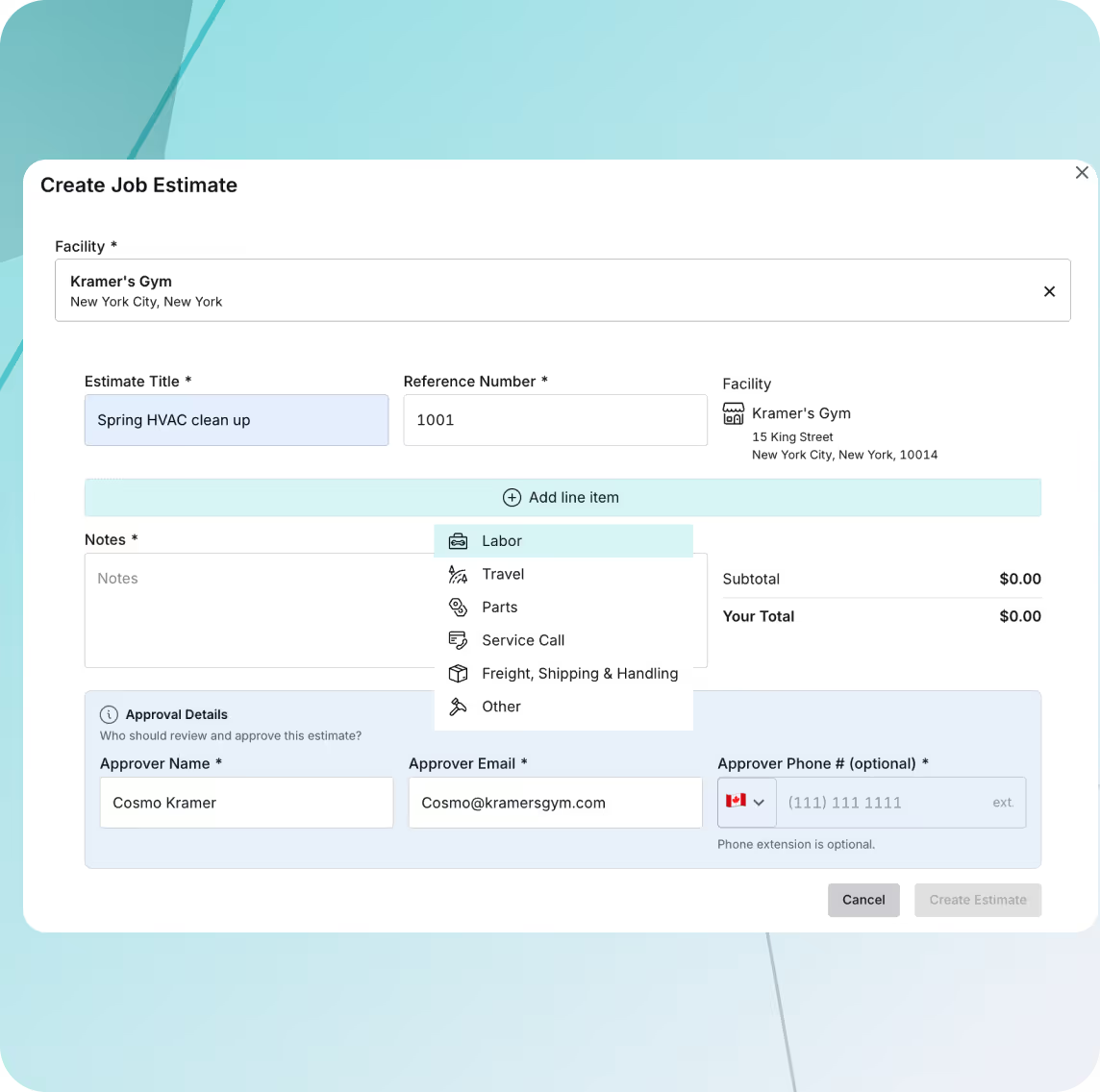
Fast, professional estimates
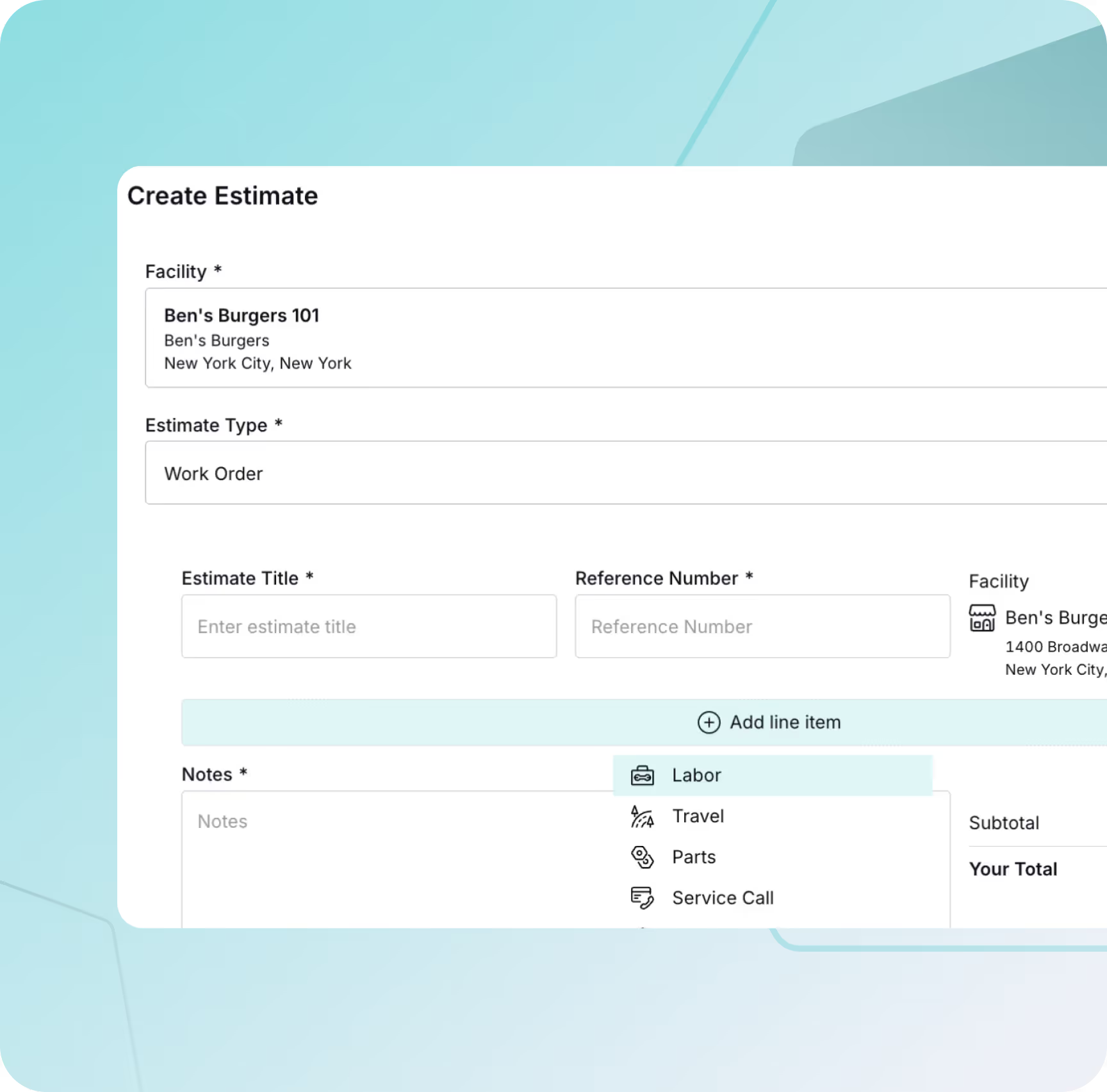
Create estimates directly from a job or as a standalone and save drafts, track approval, and see all the relevant information in one place.
Comprehensive work order management
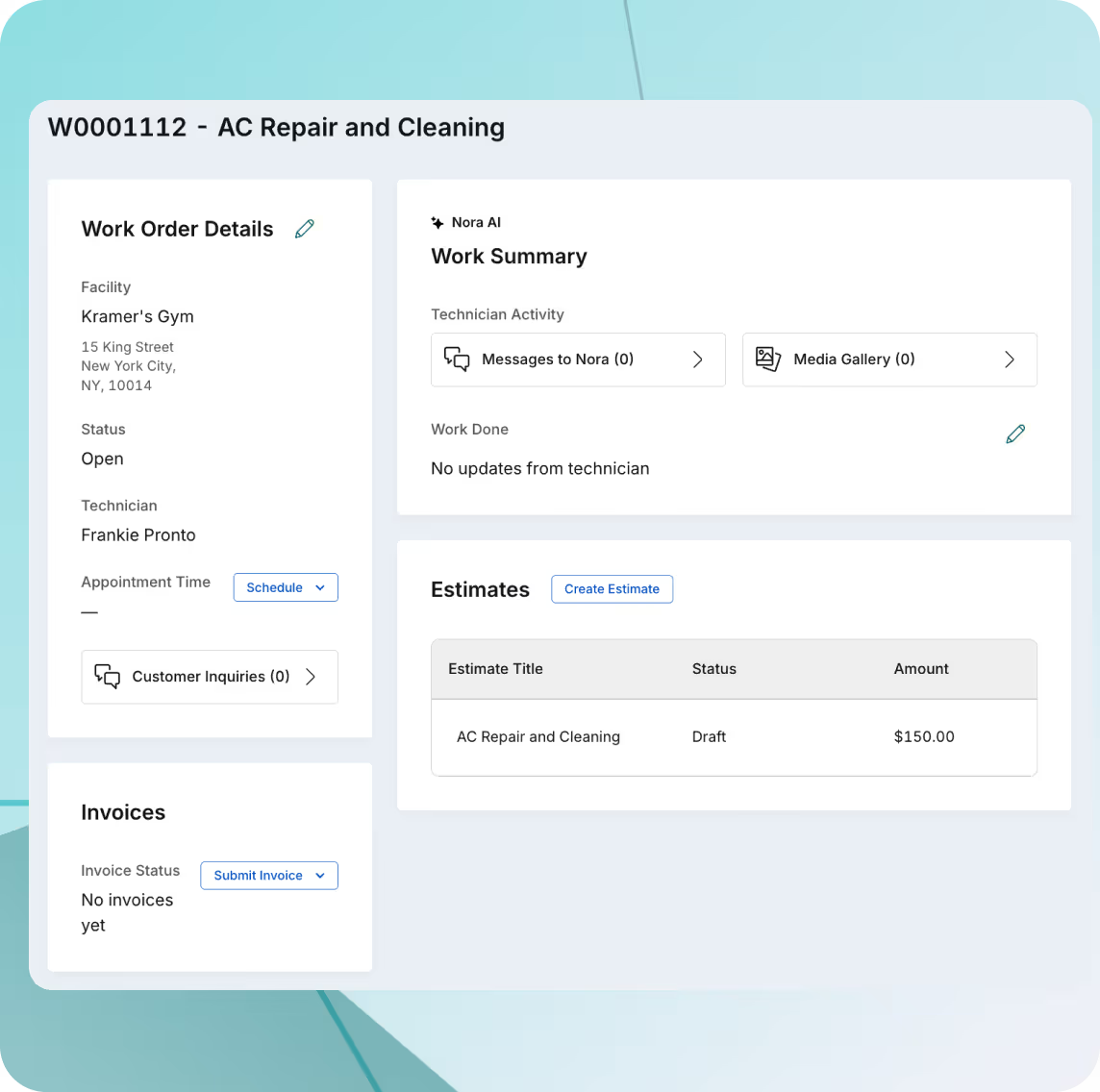
Create jobs, assign a technician, and manage estimates and invoices all from one screen. Technicians can converse with Nora directly to send job updates.
Clear invoice tracking
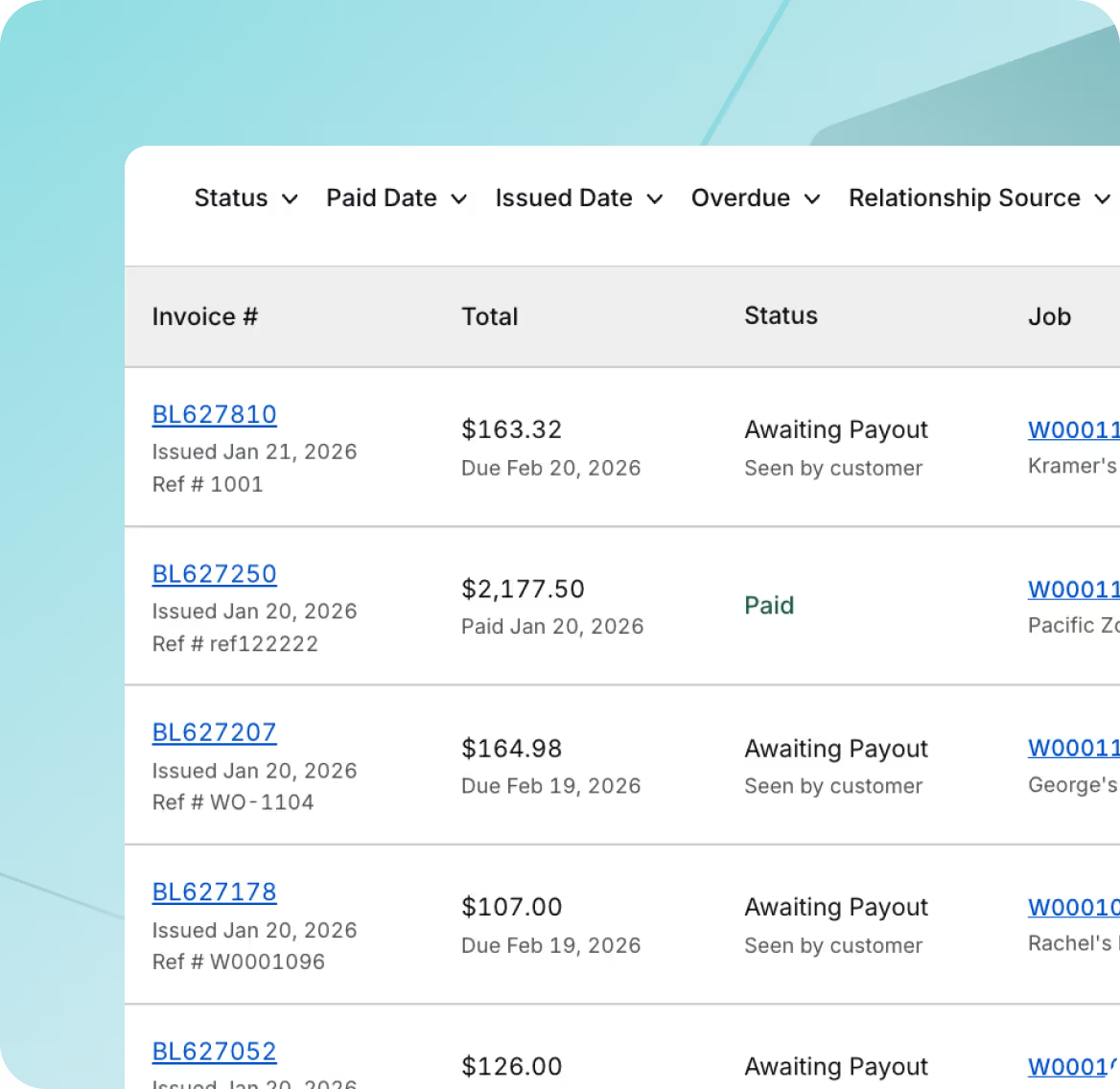
Issue invoices tied to completed work and see which ones are paid or outstanding.
Frequently asked questions
Can I create jobs directly from estimates?
Yes. Estimates are connected to jobs so your team doesn’t have to re-enter information.
How are invoices sent to customers?
Invoices are sent electronically with clear job details and line items.
Can I track unpaid or overdue invoices?
Yes. You can see invoice status at a glance so nothing is missed.
Does this replace my accounting software?
ResQ is designed to manage estimating and invoicing within your operational workflow. It works alongside your accounting process.
Can customers view estimates and invoices online?
Yes. Customers can view estimates and invoices online through their customer portal, making it easy to review details, track billing, and reference past jobs anytime.
Built for the way trades work - across every specialty
ResQ powers operations for trades in HVAC, electrical, plumbing, fire protection, roofing, and dozens more. Whatever your trade, ResQ can help you grow profitably.
+ many more
Access our free resources
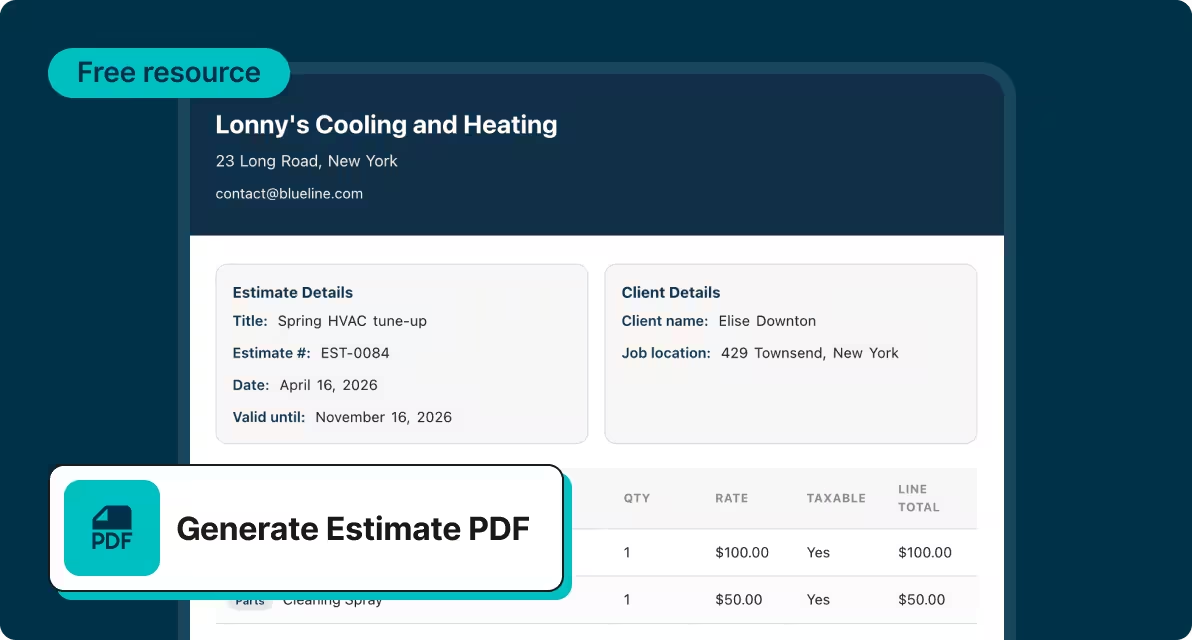
Estimate builder
Create a professional looking estimate completely free in seconds!
Create an estimate
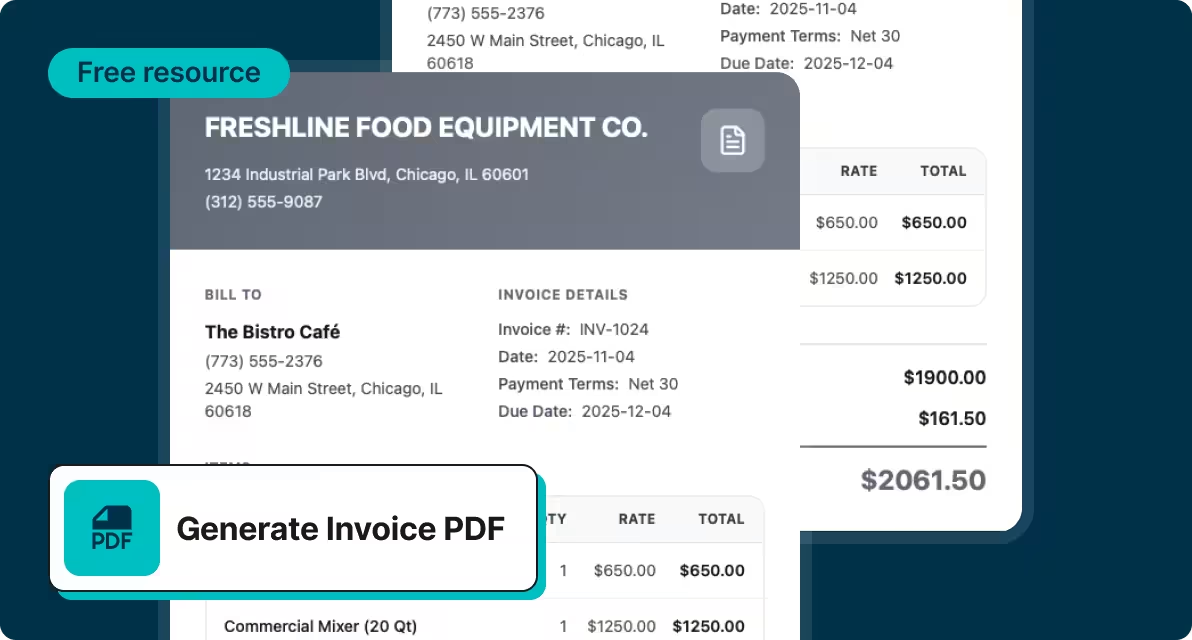
Invoice generator
Create a professional looking invoice and send it off to clients fast!
Create an invoice
Explore other parts of ResQ


See how ResQ helps you book more jobs
Get a walkthrough of your potential website and tools and see how Nora handles lead response and follow-up.